Learn how to create logins for your students.
Continue reading

|
Learn how to create logins for your students. |
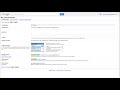 A video guide to locating the Share In address you need to display your Google Calendar events in Homeschool Planet. |
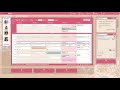 Using “Share Out”Share Out allows you to display your Homeschool Planet calendar within another calendar application (such as Google Calendar or Apple Calendar). You can share different versions of your calendar, each containing a different selection of events from your Homeschool Planet calendar. To display events from Homeschool Planet in another calendar application, follow these steps:
Using “Share In”Share In allows you to display a calendar from another Internet calendar application (such as Google calendar or Apple iCloud Calendar) on your Homeschool Planet calendar. You can add many such calendars, and for each you can choose which students will see that calendar when the student logs in. To display events from another calendar inside Homeschool Planet, follow these steps:
|
 To enable attendance tracking for a student, first open that student’s profile (see How To: Edit a Student’s Profile). |
 Learn how to set up classes and schedule assignments. |
 Homeschool Planet’s Lookup Widget combines search results from multiple web sites in one convenient location. |
 This short video gives you an overview of the features available in Homeschool Planet. |
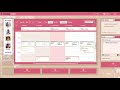 This tutorial shows you how to remove a single day from the schedule of a repeating class or activity. |